Understanding Plant 3D Piping Design
What is Plant 3D Piping Design?
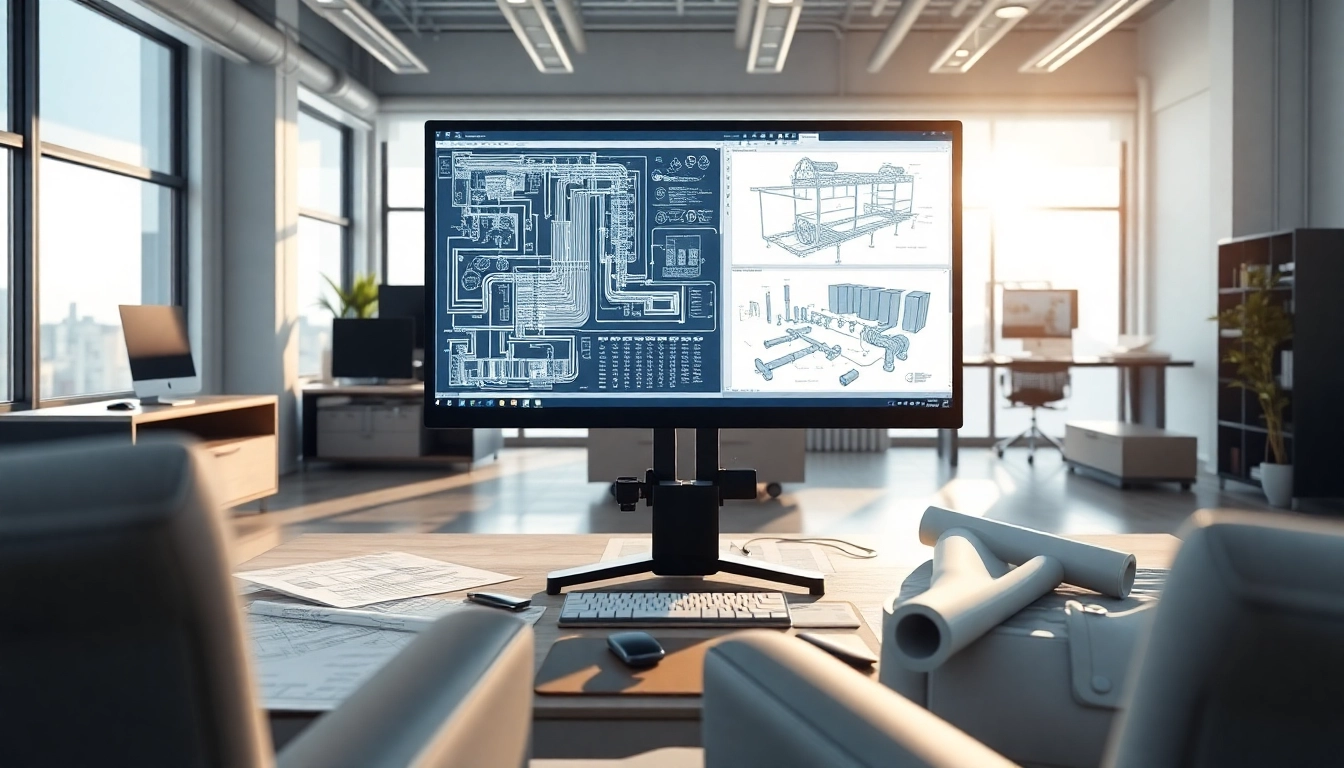
Plant 3D piping design is an advanced approach to modeling piping systems within various industries, particularly in the construction, oil and gas, and manufacturing sectors. Leveraging sophisticated software, specifically designed for this purpose, engineers can create accurate three-dimensional models that represent complex piping networks. The visualization of a piping system enables professionals to assess operational efficiency, troubleshoot design issues, and collaborate more effectively across teams. Utilizing Plant 3D piping design methodologies not only enhances precision in planning and execution but also significantly minimizes errors during the installation phase.
Importance of Plant 3D Piping in Industry
The importance of Plant 3D piping cannot be overstated, as it serves as a cornerstone in various industrial applications. The modeling capabilities allow for:
- Enhanced Visualization: By viewing systems in 3D, engineers can identify potential conflicts and optimize layouts.
- Improved Collaboration: Digital models facilitate easier sharing among stakeholders, reducing time spent on revisions and modifications.
- Cost-Efficiency: Early detection of design flaws minimizes costly changes during construction, ultimately saving resources.
- Regulatory Compliance: Adhering to design standards can be verified easily through simulations and calculations within the software.
Key Features of Plant 3D Piping Design Software
Modern Plant 3D piping design software encompasses a variety of features aimed at streamlining the design process:
- Automated Isometric Drawings: Instantly generate isometric drawings that adhere to industry standards.
- Component Libraries: Access a variety of piping components, fittings, and equipment that are standardized, allowing for quick assemblies.
- Customization Options: Tailor your workspace to fit your design processes and preferences, enhancing productivity.
- Integration with Other Systems: Compatible with other software tools, promoting seamless data exchange and project synchronization.
- Advanced Conflict Detection: Tools that automatically identify interferences between piping and other installations.
Getting Started with Plant 3D Piping Design
System Requirements for Installation
Before diving into Plant 3D piping design, it is crucial to ensure that your system's hardware and software meet specific requirements for optimal performance. Key specifications typically include:
- Operating System: Windows 10 or newer versions.
- Processor: Multi-core processor with a speed of 2.5 GHz or higher.
- RAM: A minimum of 16 GB, though 32 GB is recommended for complex projects.
- Graphics Card: A dedicated graphics card capable of handling CAD workloads, such as NVIDIA or AMD with 4 GB of VRAM.
- Disk Space: At least 10 GB of free storage space.
Basic Navigation and Interface Overview
Familiarizing yourself with the Plant 3D user interface is essential to leveraging its full capabilities. This includes understanding the layout of the main dashboard, navigation tools, and customization of workspaces. Key interface components typically involve:
- Main Toolbar: Access essential tools for drawing, editing, and managing your design.
- Property Palette: A dynamic panel where you can modify properties of selected objects.
- Navigation Bar: Tools for zooming, panning, and rotating views of your 3D model for better insights.
- Project Manager: Keep track of all components within your project, allowing for organized workflow.
Creating Your First Piping Design Project
To begin your first project, follow these steps:
- Setup a New Project: Select ‘New Project’ from the file menu and fill out the necessary project details.
- Select the Template: Choose a pre-defined template that suits your project's specifications.
- Import Existing Designs: If applicable, import existing layouts to use as a foundation for your new design.
- Design the Layout: Utilize the drawing tools to lay down pipes, valves, and fittings based on your specifications.
- Run Design Checks: Utilize the conflict detection feature to identify and resolve potential issues before proceeding.
Advanced Techniques in Plant 3D Piping Design
Using Industry-Specific Tools and Features
To further refine your Plant 3D piping design skills, consider employing industry-specific tools that align with your sector. For instance, the oil and gas industry might utilize specialized fittings and gauge systems, while water treatment facilities may require unique piping materials. Understanding these specific needs will improve your designs significantly.
Incorporating Isometric Drawings
Isometric drawings are crucial for technical documentation in piping design. These drawings provide a clear and standardized way of presenting piping layouts for construction and maintenance purposes. Ensure that your Plant 3D configurations are set to automatically generate accurate isometric layouts as you design, streamlining documentation processes.
Optimizing Workflow and Collaboration
Workflow optimization in Plant 3D piping design is about enhancing efficiency through effective team collaboration. Consider implementing features like:
- Version Control: Keep track of design iterations to prevent miscommunication among team members.
- Shared Projects: Enable cloud-based access to allow for concurrent collaboration between designers, engineers, and project managers.
- Feedback Loops: Establish regular checkpoints for team feedback to ensure all parties are aligned on project goals.
Common Challenges in Plant 3D Piping Design
Identifying and Resolving Design Flaws
Design flaws can occur for various reasons, including poor communication or lack of understanding of system requirements. Regularly perform design reviews using the software’s simulation tools to identify issues early in the design phase, thereby reducing costly rework later in the project.
Dealing with Software Limitations
While Plant 3D piping design offers a wide range of capabilities, it is essential to remain cognizant of certain limitations such as the software’s capacity to handle exceptionally large projects or specific custom components. Engaging with community support forums or user groups can be invaluable for troubleshooting these challenges as well as adapting to updates and new features.
Managing Team Collaboration Effectively
Effective team collaboration is vital in large projects and can prove challenging with remote teams. Implementing regular video calls, utilizing project management tools, and keeping a project timeline viewable to all team members can help maintain engagement and productivity.
Measuring Success in Plant 3D Piping Design
Key Performance Metrics to Track
Monitoring performance metrics is critical in assessing the success of your Plant 3D piping design projects. Track metrics such as:
- Project Timeline: Evaluate whether designs are delivered on schedule.
- Design Accuracy: Assess the number of revisions or conflicts identified after the initial design phase.
- Collaboration Efficiency: Measure team productivity and communication effectiveness throughout the project.
Client Feedback and Design Iteration
Feedback is essential for continued improvement. Regularly soliciting client insights following project milestones can provide valuable information on design performance and areas needing adjustment. Adjusting your approach based on feedback fosters stronger relationships and ensures project requirements are met more effectively.
Staying Updated with Industry Trends
The field of Plant 3D piping design is constantly evolving. Remaining current with trends through continuous education, attending workshops, and subscribing to relevant publications can provide insights into new methodologies and technologies, ensuring that your designs remain innovative.
Frequently Asked Questions
What is the advantage of using Plant 3D piping design?
Using Plant 3D piping design allows for more precise modeling, leading to better visualization, reduced errors, and efficient collaboration among project stakeholders.
How can I improve my skills in Plant 3D piping design?
Improving your skills can be achieved through regular practice, online tutorials, and engaging in community forums. Hands-on projects also help solidify your understanding.
Are there specific industries that benefit from Plant 3D piping design?
Yes, industries such as oil and gas, manufacturing, water treatment, and pharmaceuticals benefit significantly from Plant 3D piping design due to their complex piping requirements.
What resources are available for learning Plant 3D?
There are numerous online platforms offering tutorials, webinars, and certification courses. Additionally, official manuals and community forums can be great resources.
Is Plant 3D piping design suitable for small projects?
While Plant 3D is designed for complex systems, it can be adapted for smaller projects. However, consider cost versus benefit for simpler designs, as it may not always be necessary.